Find Your Bitcoin Address on Coinbase: Quick Guide
Getting your Bitcoin address on Coinbase is one of the most fundamental tasks for anyone entering the cryptocurrency space. Whether you’re receiving Bitcoin from a friend, setting up automated purchases, or preparing to transfer funds between wallets, understanding how to locate and use your Coinbase Bitcoin address is essential. This guide walks you through the process step-by-step, ensuring you can confidently manage your digital assets on one of the world’s most popular cryptocurrency exchanges.
Coinbase has streamlined its interface over the years to make finding your Bitcoin address straightforward for both beginners and experienced traders. The process differs slightly depending on whether you’re using the web platform, mobile app, or desktop application, but the fundamental steps remain consistent. By the end of this guide, you’ll know exactly where to find your address, how to copy it safely, and what precautions to take when sharing it with others.
Understanding Bitcoin Addresses on Coinbase
A Bitcoin address is a unique identifier that functions like a bank account number for your cryptocurrency. It’s a long string of characters—typically 26 to 35 alphanumeric characters—that begins with either “1”, “3”, or “bc1” depending on the address type. Coinbase generates these addresses automatically when you create an account, and you can have multiple addresses associated with your account for organizational purposes.
Each Bitcoin address is mathematically linked to a private key, which is a secret code that authorizes spending of funds held at that address. While Coinbase manages these private keys on your behalf (making it a custodial service), understanding the relationship between your address and private key is crucial for grasping how cryptocurrency ownership works. Your address is public information—you can safely share it with anyone who wants to send you Bitcoin. Your private key, however, must remain secret at all times.
Coinbase typically uses modern address formats, primarily SegWit addresses (beginning with “bc1”), which offer enhanced security and lower transaction fees compared to legacy formats. When you invest in cryptocurrency through Coinbase, your Bitcoin will be stored at one of these generated addresses within your account.
Understanding your Bitcoin address becomes particularly important when you consider Bitcoin price prediction strategies and long-term holding plans. Many investors maintain multiple addresses to organize their holdings by purchase date, source, or investment thesis, making it easier to track their portfolio’s performance over time.
Finding Your Bitcoin Address on Web
The Coinbase web platform provides the most comprehensive view of your account details, including your Bitcoin address. Here’s the step-by-step process:
- Log into your Coinbase account at coinbase.com
- Click on the “Accounts” or “Assets” tab in the main navigation menu
- Locate and click on your Bitcoin wallet from the list of available cryptocurrencies
- Click the “Receive” button—this is typically displayed prominently near the top of the wallet interface
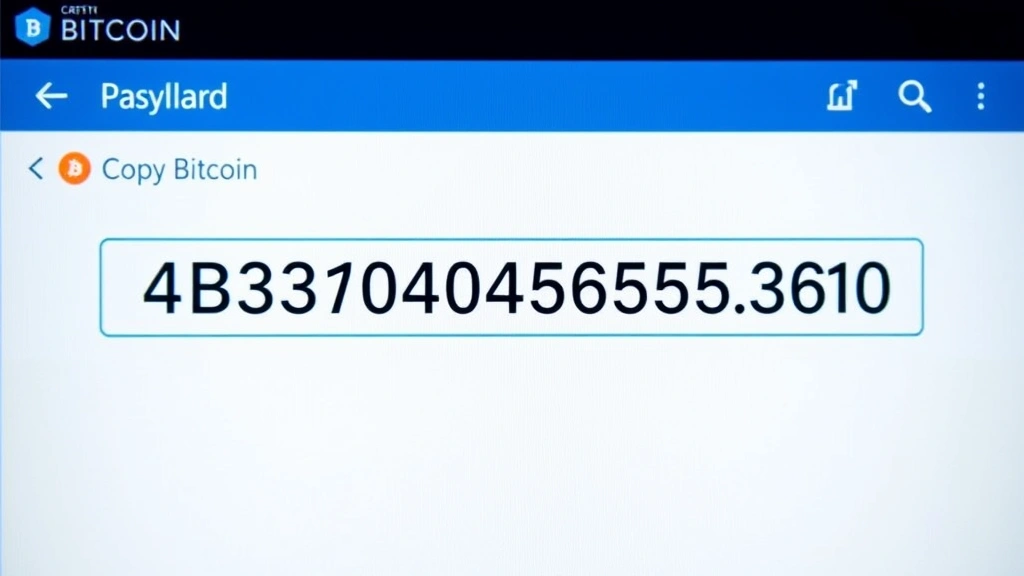
- Your Bitcoin address will appear in a popup or new section. It may be displayed as both text and a QR code
- Click the copy icon next to your address to copy it to your clipboard
The address displayed in the “Receive” section is your public-facing Bitcoin address. This is the address you should provide to anyone sending you Bitcoin or use when setting up automated deposits. Coinbase may show additional information such as the address type (SegWit or legacy) and the number of transactions associated with that address.
One important note: Coinbase may generate a new address for you periodically for privacy reasons, though you can typically still receive funds at older addresses. If you’re receiving Bitcoin from an exchange or peer-to-peer transaction, always verify the address is correct before confirming the transaction. A single character difference in the address will send your funds to an entirely different wallet, potentially lost forever.
For those actively trading or analyzing why Bitcoin is going up, maintaining organized records of your receive addresses helps track the source and timing of your Bitcoin acquisitions, which is valuable for tax reporting and portfolio analysis.
Mobile App Instructions
Coinbase’s mobile applications (available on both iOS and Android) make it equally simple to find your Bitcoin address on the go. The mobile interface has been optimized for quick access to essential functions:
- Open the Coinbase mobile app and ensure you’re logged in
- Tap the “Accounts” icon at the bottom navigation bar
- Select Bitcoin from your list of holdings
- Tap the “Receive” button (typically shown with a down arrow or receive icon)
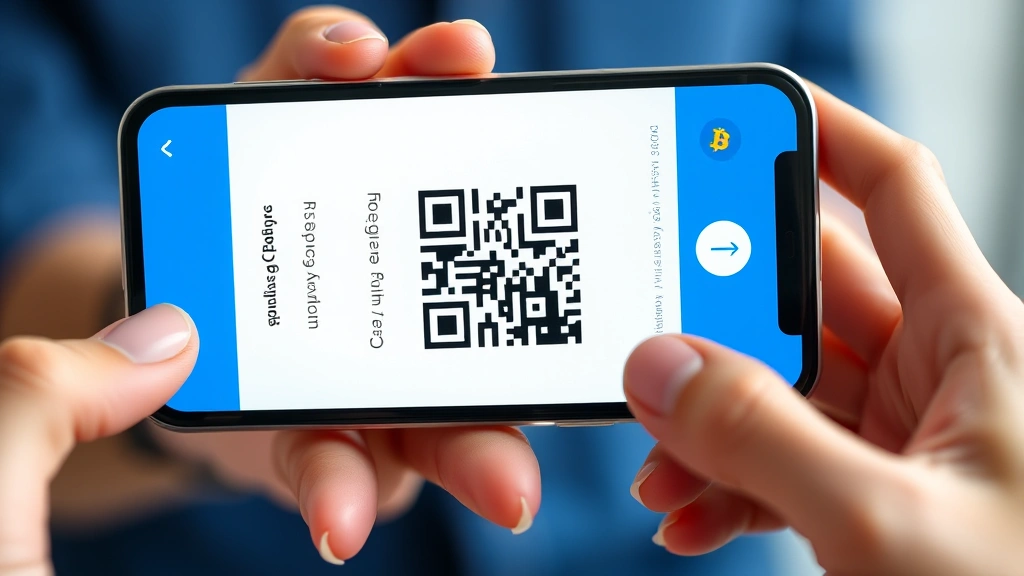
- Your Bitcoin address will display with a QR code option
- Tap “Copy Address” to save it to your phone’s clipboard, or use the QR code for quick scanning
The mobile app’s QR code feature is particularly useful when receiving Bitcoin in person or from another mobile device. The sender can simply scan your QR code rather than manually typing your long address, eliminating the risk of transcription errors. This feature has made peer-to-peer Bitcoin transactions significantly more practical for everyday users.
Mobile users should note that the Coinbase app requires you to be logged in with proper authentication (usually two-factor authentication) before displaying sensitive account information. This security measure protects your account even if someone gains access to your phone. If you’ve enabled biometric authentication (fingerprint or face recognition), you can access your address quickly while maintaining security.
Security Considerations
While your Bitcoin address itself is public information, there are several security best practices you should follow when managing it on Coinbase:
- Verify addresses carefully: Always double-check that you’re copying the correct address. Copy and paste rather than typing manually to avoid errors. When receiving large amounts of Bitcoin, send a small test transaction first to verify the address works.
- Use HTTPS connections: Always access Coinbase through the official website using a secure HTTPS connection. Avoid clicking links from emails or messages, as phishing scams targeting cryptocurrency users are common.
- Enable two-factor authentication: Protect your Coinbase account with two-factor authentication (2FA) using an authenticator app rather than SMS when possible. This prevents unauthorized access even if your password is compromised.
- Be cautious with address sharing: While your address is public, avoid posting it on social media or unsecured platforms. Scammers sometimes target Bitcoin holders by analyzing public address information.
- Keep your device secure: Ensure your computer or smartphone is protected with updated antivirus software and security patches. Malware could potentially intercept your address or compromise your account.
Understanding these security considerations becomes even more critical when considering Bitcoin market volatility and the potential value at stake. A single security lapse could result in significant financial loss.
Coinbase itself maintains industry-leading security standards, including storing the vast majority of customer Bitcoin in offline cold storage vaults. However, your account security ultimately depends on your own practices. Never share your password, recovery phrases, or two-factor authentication codes with anyone, even Coinbase support staff.
Receiving Bitcoin to Your Address
Once you’ve located your Bitcoin address on Coinbase, you’re ready to receive funds. Here’s what you need to know about the receiving process:
When you provide your Coinbase Bitcoin address to someone sending you funds, they’ll enter that address into their Bitcoin wallet’s “Send” function. The transaction will be broadcast to the Bitcoin network, and after a certain number of confirmations (typically 1-3 blocks, taking 10-30 minutes), the funds will appear in your Coinbase account.
You can monitor incoming transactions by checking your Bitcoin wallet’s transaction history on Coinbase. Each transaction will show:
- The transaction hash (a unique identifier for that transaction)
- The amount received
- The timestamp of the transaction
- The number of confirmations
- Links to view the transaction on public blockchain explorers for verification
One important consideration for investors tracking their holdings: when receiving Bitcoin, take note of the price at the time of receipt, as this becomes your cost basis for tax purposes. Many investors use fundamental analysis to determine optimal entry points, so maintaining detailed records of acquisition dates and prices is crucial.
Coinbase also allows you to generate invoices for Bitcoin payments, useful if you’re running a business or freelance operation. This feature lets you specify an amount and share a payment request that automatically routes funds to your address.
Multiple Addresses and Account Management
As your Bitcoin holdings grow, you may want to understand Coinbase’s address management features more deeply. Coinbase allows you to create multiple Bitcoin addresses within your account, though most users find one primary address sufficient for receiving funds.
Creating additional addresses can be useful for:
- Privacy: Using different addresses for different transaction sources helps maintain privacy since Bitcoin transactions are transparent on the blockchain.
- Organization: Separating addresses by investment strategy or time period makes it easier to track portfolio performance.
- Business operations: If you accept Bitcoin for a business, creating separate addresses for different departments or purposes improves accounting.
- Receiving from multiple sources: Using different addresses when receiving from different people or services reduces the ability of observers to link those transactions to your identity.
To create additional addresses in Coinbase, navigate to your Bitcoin wallet and look for an option to “Create a new address” or similar. The process is straightforward and takes just a few seconds. All addresses associated with your account will receive funds to the same underlying Bitcoin wallet controlled by Coinbase.
For those practicing portfolio diversification across multiple cryptocurrencies and exchanges, managing multiple addresses becomes part of a larger strategy. Some investors maintain separate Coinbase accounts for different purposes, though this requires additional identity verification.
It’s worth noting that while Coinbase manages your addresses and private keys, if you’re holding significant Bitcoin amounts long-term, many security experts recommend moving funds to a self-custodial hardware wallet. However, for active traders and those using Bitcoin as part of a regular investment strategy, Coinbase’s custodial approach offers convenience and insurance protection.
FAQ
How do I know if my Coinbase Bitcoin address is correct?
Your Coinbase Bitcoin address will always start with “1”, “3”, or “bc1” and contain 26-35 alphanumeric characters. You can verify it by copying it from Coinbase and checking it against the address shown when you click “Receive”. For large transactions, send a small test amount first to confirm the address is correct before sending the full amount.
Can I change my Bitcoin address on Coinbase?
Coinbase may automatically generate new addresses for privacy reasons, but you can continue receiving funds at older addresses. You cannot manually change your address, but you can create new addresses through the wallet interface. All addresses remain active and associated with your account.
Is it safe to share my Bitcoin address?
Yes, your Bitcoin address is public information designed to be shared. It only allows others to send you Bitcoin, not access your funds or private information. However, avoid posting it on public social media to prevent targeted scams. Share it only with trusted individuals or through secure channels.
How long does it take to receive Bitcoin on Coinbase?
Bitcoin transactions typically require 1-3 confirmations from the network, which takes approximately 10-30 minutes. However, the funds may appear in your Coinbase account pending status before full confirmation. Coinbase generally credits accounts after one network confirmation, though some deposits require more confirmations depending on the amount.
Can I receive different cryptocurrencies at my Bitcoin address?
No, you should only send Bitcoin to your Bitcoin address. Sending other cryptocurrencies like Ethereum to your Bitcoin address will result in permanent loss of those funds. Each cryptocurrency has its own address type, and Coinbase provides separate addresses for each coin you hold.
What if I lose my Bitcoin address?
You cannot lose your Bitcoin address permanently because Coinbase stores all your address information in your account. Simply log back into Coinbase and navigate to your Bitcoin wallet to view your address again. As long as you have access to your account, you can retrieve your address anytime.
Do I need to update my address for recurring Bitcoin purchases?
No, you only need to set up your receiving address once for recurring purchases. Coinbase’s recurring buy feature will automatically send Bitcoin to your designated address on the schedule you choose. However, verify the address is correct before initiating the first purchase.


