How Do I Get My Bitcoin Address on Coinbase? Complete Step-by-Step Guide
Getting your Bitcoin address on Coinbase is one of the most fundamental tasks you’ll perform as a cryptocurrency user. Whether you’re receiving Bitcoin from another person, setting up automated deposits, or simply want to understand how your assets are organized on the platform, knowing how to locate and manage your Bitcoin address is essential. Coinbase, being one of the world’s leading cryptocurrency exchanges, makes this process straightforward and secure for both beginners and experienced traders.
Your Bitcoin address is essentially your public wallet identifier—a unique string of characters that allows others to send Bitcoin directly to your account. Unlike your private keys or seed phrases, your Bitcoin address is safe to share publicly. This guide will walk you through every step of finding your Bitcoin address on Coinbase, managing multiple addresses, and understanding important security considerations.
Understanding Bitcoin Addresses on Coinbase
Before diving into the steps to retrieve your Bitcoin address, it’s important to understand what you’re looking for and why it matters. A Bitcoin address is a unique identifier that functions similarly to a bank account number. Each address is a long string of alphanumeric characters that begins with either a 1, 3, or bc1 depending on the address format. Coinbase primarily uses modern address formats to ensure compatibility and security across the network.
When you create a Bitcoin wallet on Coinbase, the platform automatically generates addresses for you. These addresses are linked to your account and secured by Coinbase’s infrastructure. It’s worth noting that Coinbase may generate new addresses for each transaction, which is a privacy-enhancing practice that doesn’t affect your ability to receive funds. Understanding what cryptocurrency tokens are and how they function can provide additional context for managing your digital assets.
Your Bitcoin address on Coinbase is protected by the platform’s security measures, but it’s still crucial to understand the difference between your public address (which you can share) and your private keys (which you must never share). The address itself contains no sensitive information, making it safe to distribute to anyone who wants to send you Bitcoin.
Step-by-Step Guide to Find Your Bitcoin Address
Step 1: Log Into Your Coinbase Account
Begin by visiting the official Coinbase website and logging into your account using your email address and password. Make sure you’re accessing the legitimate Coinbase domain to avoid phishing attacks. Two-factor authentication is enabled on most Coinbase accounts, so you may need to verify your identity through an authenticator app or email confirmation.
Step 2: Navigate to Your Bitcoin Wallet
Once logged in, look for the main dashboard or portfolio section. On the left sidebar or navigation menu, you should see a list of your cryptocurrency holdings. Find and click on Bitcoin (BTC) to access your Bitcoin wallet. This will display your Bitcoin balance and related information.
Step 3: Click the Receive Button
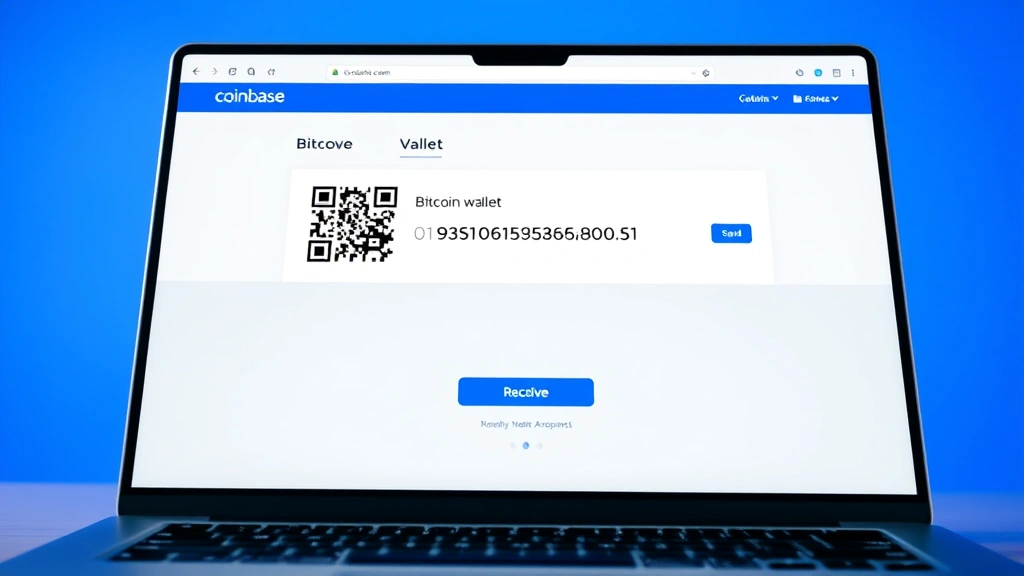
Within your Bitcoin wallet view, locate the “Receive” button. This button is typically displayed prominently near your current Bitcoin balance. Clicking this button initiates the process of generating or displaying your receiving address. Coinbase will show you options for how you want to receive Bitcoin.
Step 4: Copy Your Bitcoin Address
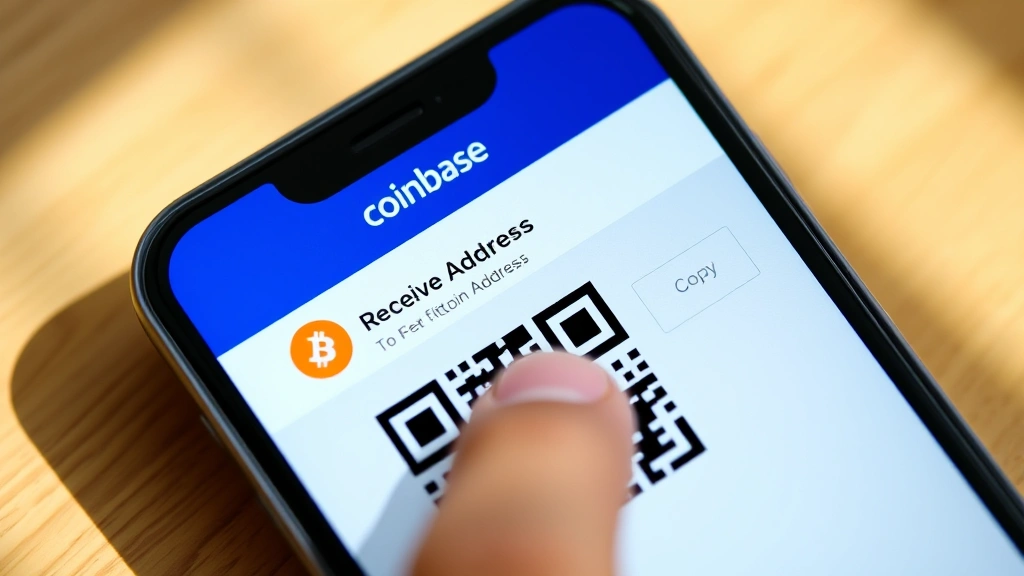
After clicking Receive, Coinbase will display your Bitcoin address in a clear format. You’ll see the address displayed both as text and as a QR code. Click the “Copy” button next to the address to copy it to your clipboard. The QR code can be scanned by other users who want to send you Bitcoin, making it convenient for in-person transactions or mobile transfers.
Step 5: Verify the Address
Before sharing your address or using it for a transaction, verify that you’ve copied the correct address. Coinbase will also show you a preview of the address format. It’s always wise to double-check the first few and last few characters to ensure accuracy, especially when dealing with large transactions.
Mobile App Instructions
Finding your Bitcoin address on the Coinbase mobile app follows a similar process with slight variations in navigation. First, open the Coinbase app and ensure you’re logged in. Tap on the Bitcoin asset in your portfolio view. This takes you to your Bitcoin wallet page where you’ll see your current balance and transaction history.
On the mobile app, look for the “Receive” button, which is typically displayed at the bottom of the screen or as part of a transaction options menu. Tap this button to reveal your Bitcoin address. The app will display your address along with a QR code. You can tap the address text to copy it to your clipboard, or use the QR code for quick sharing.
The mobile experience is designed to be user-friendly, particularly for those who need to share their address quickly. The QR code feature is especially useful in mobile scenarios where typing out a long address string might be impractical. Make sure your app is updated to the latest version for the smoothest experience and best security features.
Managing Multiple Bitcoin Addresses
Coinbase may assign you multiple Bitcoin addresses over time. This is intentional and actually enhances your privacy. Each time you request a new address, Coinbase can generate a fresh one for you, making it harder for external parties to track all your transactions at once. Understanding Bitcoin to PKR conversion becomes relevant when you’re managing multiple addresses across different transaction values.
To view all your Bitcoin addresses on Coinbase, go to your Bitcoin wallet and look for an option labeled “Show All Addresses” or similar. This will display a list of all addresses currently associated with your account. Each address shows its transaction history and current balance. You can select any of these addresses to receive funds, and all Bitcoin sent to any of them will be credited to your Coinbase account.
This multi-address system is particularly useful if you want to compartmentalize your Bitcoin holdings or track different sources of income. Some users maintain separate addresses for different purposes—one for receiving payments, another for savings, and so on. All addresses remain under your account’s control and security umbrella.
Security Best Practices
While your Bitcoin address is public and safe to share, protecting your Coinbase account itself is paramount. Enable two-factor authentication on your Coinbase account using an authenticator app rather than SMS when possible. This adds an extra layer of security that makes it significantly harder for unauthorized users to access your account.
Never share your Coinbase password, seed phrase, or private keys with anyone, regardless of the circumstance. Coinbase support staff will never ask for these details. Be cautious of phishing emails claiming to be from Coinbase and always access the platform through the official website or app. Learning about market dynamics and Bitcoin price movements helps you make informed decisions about when and how much Bitcoin to hold.
When sharing your Bitcoin address, you can do so freely without security concerns. The address itself contains no sensitive information. However, be aware that anyone with your address can see all transactions associated with it on the blockchain, which is publicly viewable. If privacy is a concern, you can use different addresses for different recipients.
Consider using Coinbase’s “Advanced” or “Pro” versions if you need more control over your addresses and transactions. These platforms offer additional features for managing your Bitcoin more precisely. Additionally, for large holdings, consider whether a hardware wallet or cold storage solution might be appropriate, though Coinbase does provide robust security for most users.
Common Issues and Troubleshooting
Address Not Appearing
If you don’t see your Bitcoin address after clicking Receive, try refreshing the page or closing and reopening the app. Sometimes browser cache issues can prevent the address from displaying. Clear your browser cache if you’re using the web version, or force-close and restart the mobile app.
Address Keeps Changing
Coinbase intentionally generates new addresses for privacy reasons. If you notice your address has changed between transactions, this is normal and expected behavior. You can still use old addresses to receive Bitcoin—they remain active and associated with your account. Understanding factors influencing Bitcoin price movements can provide context for when to receive and hold your assets.
Cannot Copy Address
If the copy function isn’t working, try using the QR code instead. Most devices can scan QR codes natively. Alternatively, try manually selecting and copying the address text. If problems persist, try using a different browser or updating your app to the latest version.
Receiving Funds Takes Too Long
Bitcoin transactions typically confirm within 10 minutes to an hour, but network congestion can cause delays. Check the blockchain using an official blockchain explorer to verify your transaction status. Your Bitcoin address will show the transaction once it’s been broadcast to the network.
Address Verification Concerns
If you’re unsure whether an address is legitimate, never proceed with a transaction. Contact Coinbase support directly through the official app or website. Be wary of addresses shared through email or unverified channels, as scammers sometimes pose as legitimate services.
FAQ
Can I change my Bitcoin address on Coinbase?
You cannot manually change your Bitcoin address, but Coinbase automatically generates new addresses for you. You can request a new address through the Receive function, and all previous addresses remain active and associated with your account.
Is my Bitcoin address the same as my wallet address?
On Coinbase, your Bitcoin address is your wallet address. They refer to the same thing—the unique identifier where you receive Bitcoin. Your account may have multiple addresses, but they’re all part of your single Coinbase wallet.
What happens if I lose my Bitcoin address?
You don’t need to worry about losing your address permanently. You can always access it again by logging into Coinbase and navigating to your Bitcoin wallet’s Receive section. All your addresses are stored securely with your account.
Can someone steal my Bitcoin if they have my address?
No. Having only your Bitcoin address doesn’t allow anyone to steal your Bitcoin. They would need your private keys or seed phrase to access your funds. Your address is completely safe to share publicly.
How do I receive Bitcoin if I don’t have a Bitcoin address?
Creating a Coinbase account automatically generates Bitcoin addresses for you. Simply follow the steps outlined above to access your address. You don’t need to do anything special to create an address—it’s generated automatically when you set up your account.
Can I use the same Bitcoin address for multiple transactions?
Yes, you can use the same address for multiple transactions. However, Coinbase may generate new addresses for each transaction, which is a privacy feature. Both old and new addresses will work for receiving Bitcoin.
What’s the difference between Coinbase and Coinbase Pro addresses?
Both platforms use similar address formats, but Coinbase Pro (now called Coinbase Advanced) offers more control over address management. Understanding market conditions like bear and bull markets can help you decide which platform best suits your trading needs.
Is it safe to share my Bitcoin address on social media?
Yes, sharing your Bitcoin address on social media is safe. The address contains no sensitive information and is designed to be public. However, be cautious about sharing too much information about your Bitcoin holdings, as this could attract unwanted attention.
How long does it take to receive Bitcoin after providing my address?
Once someone sends Bitcoin to your address, the transaction typically appears in your Coinbase wallet within minutes. Full confirmation on the blockchain usually takes 10 minutes to an hour, depending on network conditions and transaction fees.
Can I have multiple Bitcoin addresses on one Coinbase account?
Yes, Coinbase accounts can have multiple Bitcoin addresses. This is intentional and enhances privacy. You can view all your addresses in your Bitcoin wallet and use any of them to receive funds. Learning about future cryptocurrency trends helps you make strategic decisions about managing multiple addresses.


